*ACH services are available for Advantage and Executive members.
Hello, now we’re going to talk about AC HS in Blue Business banking.
0:11
When you first log in, you’ll be on the View My accounts screen on the top navigation bar.
0:18
Go ahead and click manage ACH, accept the disclosure.
0:23
Now, if you want to set up an ACH, you could create a template, fill out all the required fields for your new template, put a short description, select the account the funds will be coming from, and then click save.
1:03
Now you can go ahead and schedule.
1:05
Once you have this template, we’re going to go ahead and use this other template.
1:09
So once you have a template, you can go ahead and schedule.
1:13
You can do several different options.
1:14
As far as scheduling, do keep in mind that in order to schedule an ACH, you do have to create recipients first.
1:35
You can adjust the dollar amount at any time.
1:40
Then you click review.
1:43
Click Yes to confirm and then click submit.
1:50
At this point it goes into your approvals, so whoever is authorized to approve it would go in here, click Approvals, and then they could approve that ACH transfer.
2:15
You could also check your scheduled Achs.
2:17
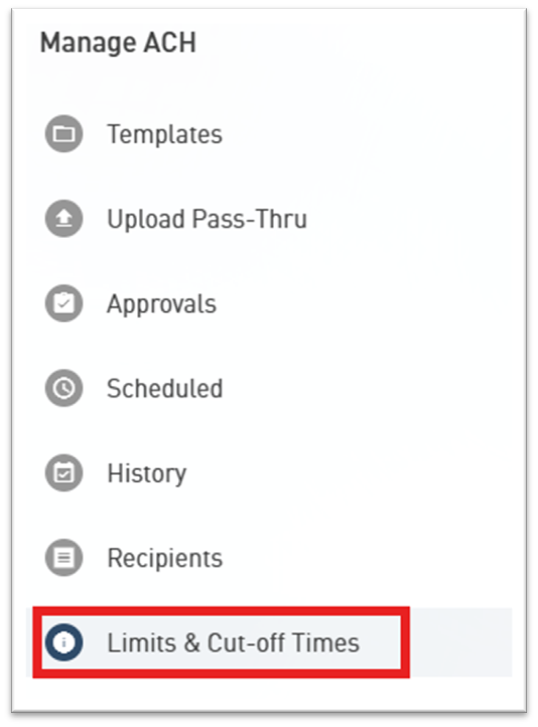
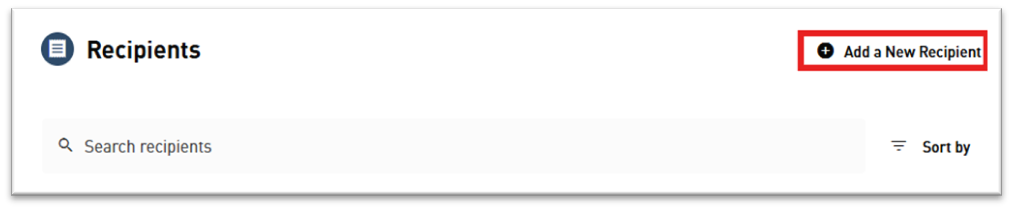
You could look at your history, your recipients, and this is where you could add a new recipient and then also review your limits and cut off times and that’s your Achs.
2:35
As simple as that.
Select Manage ACH

Select Create a New Template

Enter the required information and make sure to choose the appropriate Transaction type.
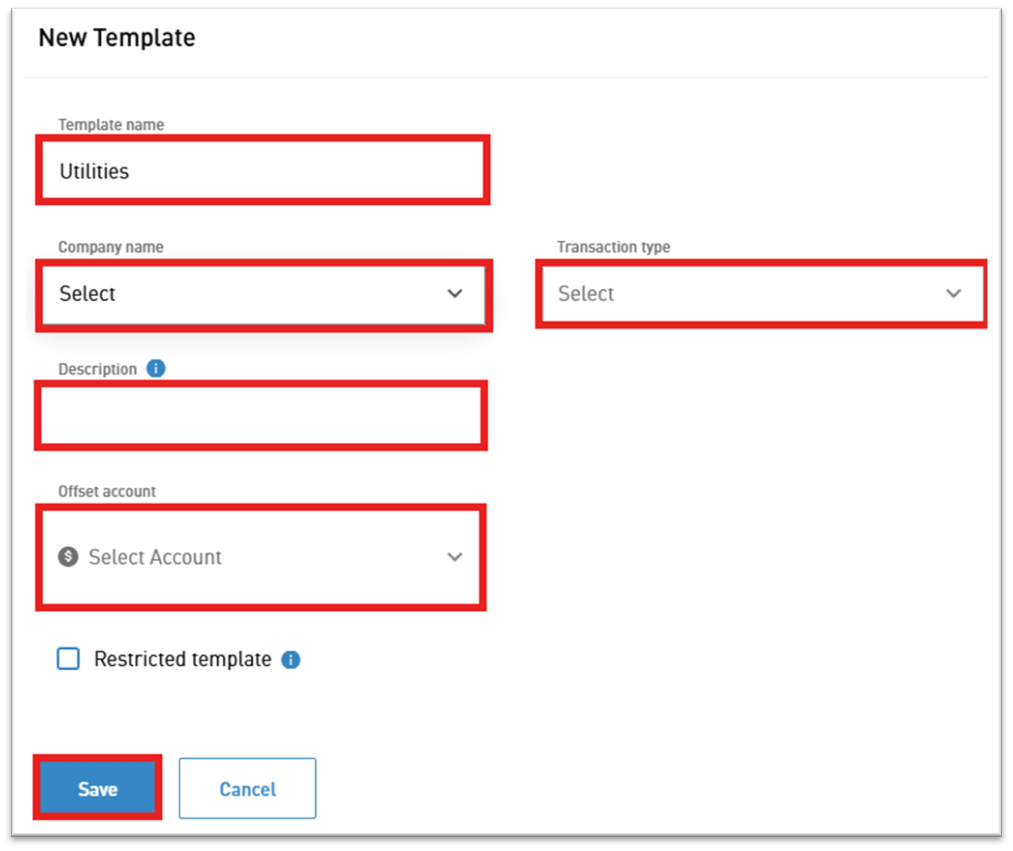
For instance, if the ACH will be paying a monthly utility bill, you would select Credit Businesses.

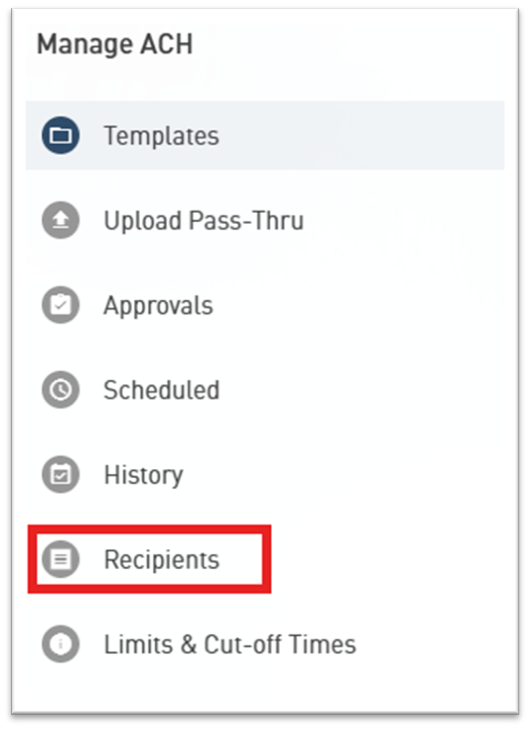
After completing the template, select Recipients.
Select Add a New Recipient.
Fill out all of the required fields and click Save.
Return to the ACH template you previously created and select Add or Edit Recipients.

Select the recipient and click Save.
Use the Schedule button to set up the transfer.

Once the ACH is scheduled, it will move to the Approvals tab. Whichever users have permissions to approve ACHs must select Approvals and approve the ACH.

Remember to review Limits & Cut-off Times to ensure your ACH will process as intended.