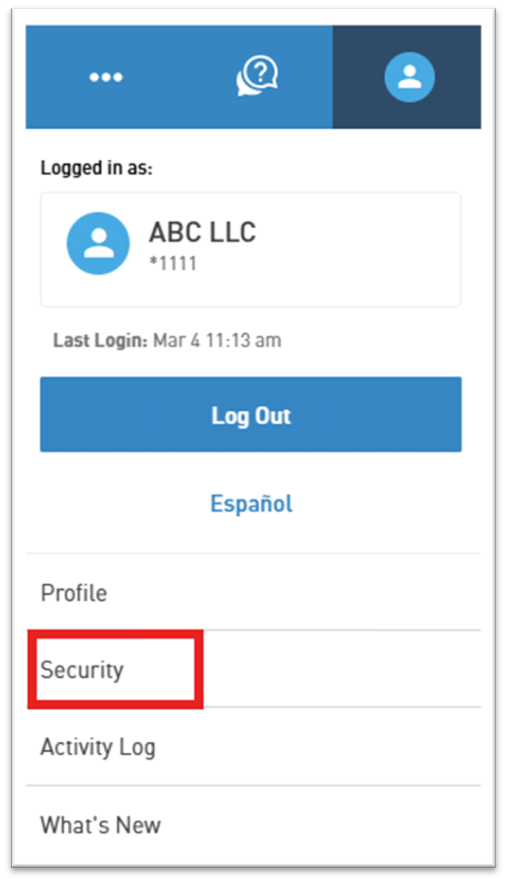
Select the Person Icon from the upper right of the screen.

Select Security from the dropdown menu.
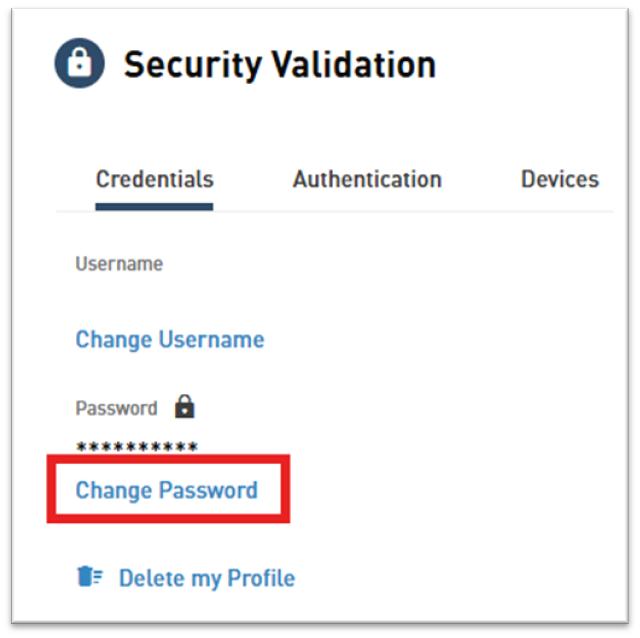
Select Change Password.

Select the Person Icon from the upper right of the screen.
Select Security from the dropdown menu.
Select Change Password.
Need Support?
Can’t find the answer you’re looking for? Don’t worry we’re here to help!