Now we’re going to talk about registration for brand new online banking users for Blue Business Banking.
0:12
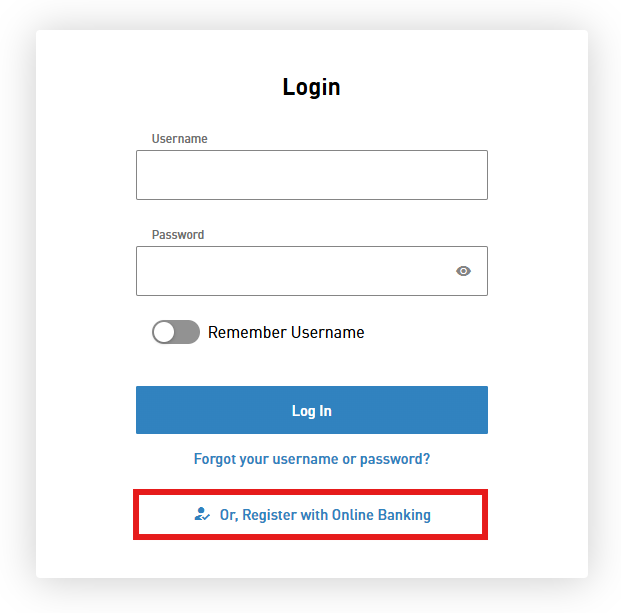
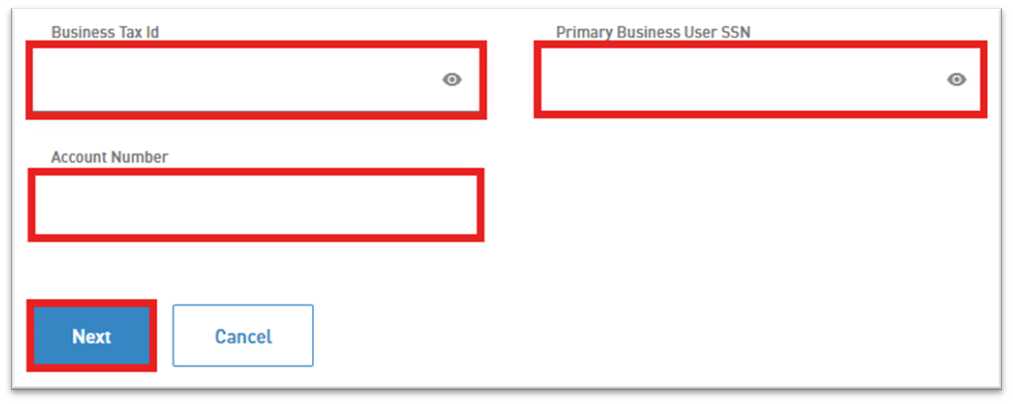
First you want to click Register with Online Banking, then click Get Started, type in your business tax ID, then type the primary Social Security number.
0:40
Then type your account number.
0:48
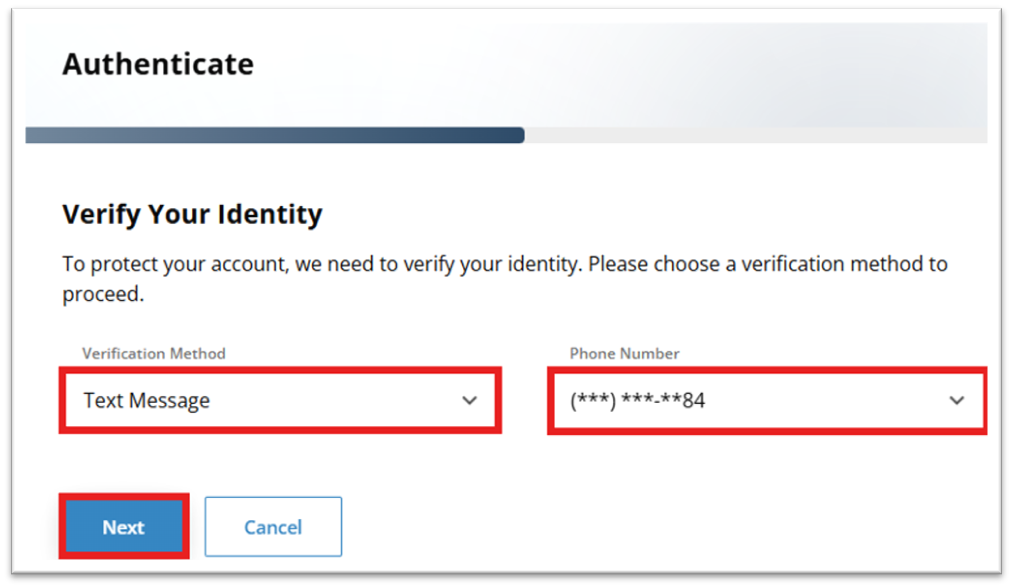
Then you’re going to verify your identity by choosing your authentication method and I’ll send you a code.
0:54
Click Next.
0:56
Type in the code that you receive and then click Next.
1:07
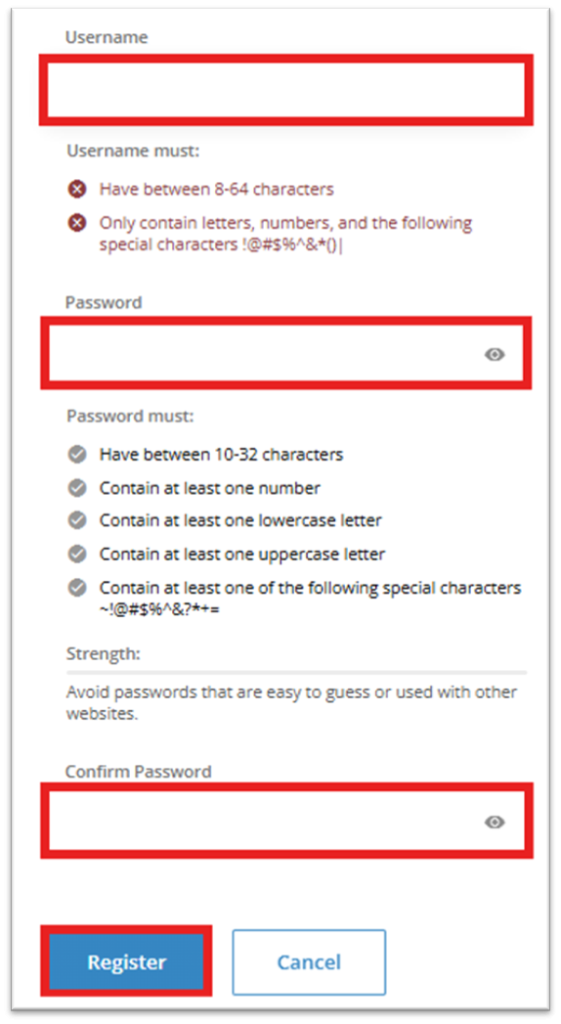
First you’re going to create a username, then you’re going to create a password, and then you’re going to retype your password to confirm it.
1:33
Then you’re going to click register.
1:35
Now you have to accept the online terms and conditions.
1:42
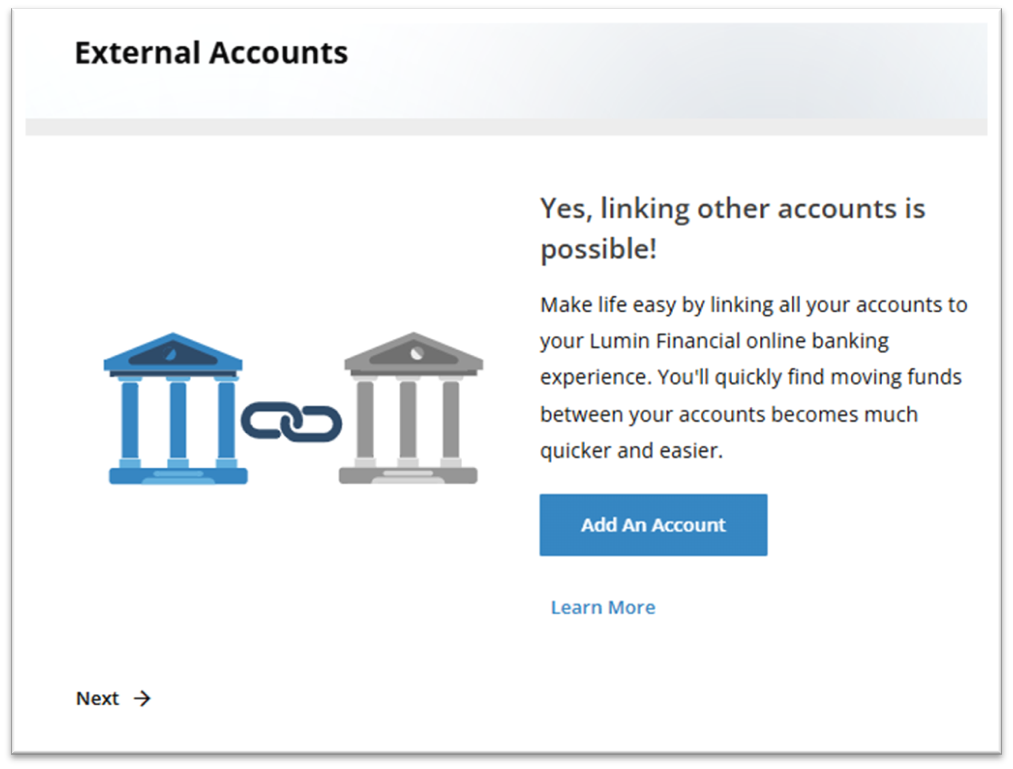
Then you have the option of linking other accounts or just continue by pressing Next.
1:52
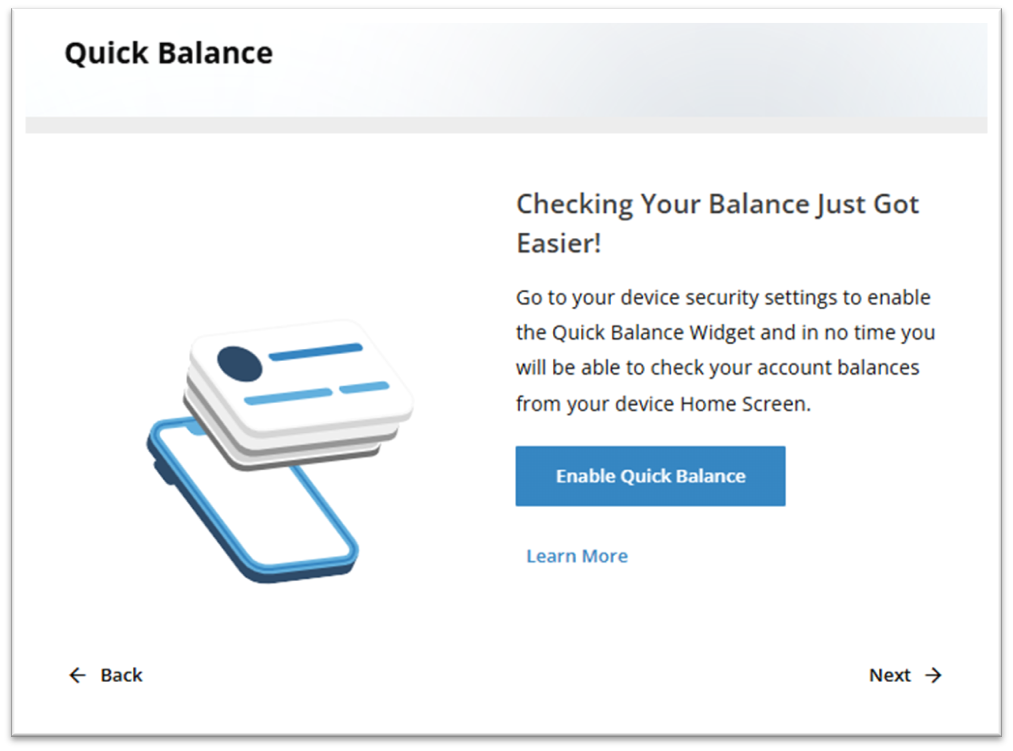
You could have your quick reference balances enabled.
1:59
You don’t want that.
1:59
Just choose Next, Add additional security.
2:08
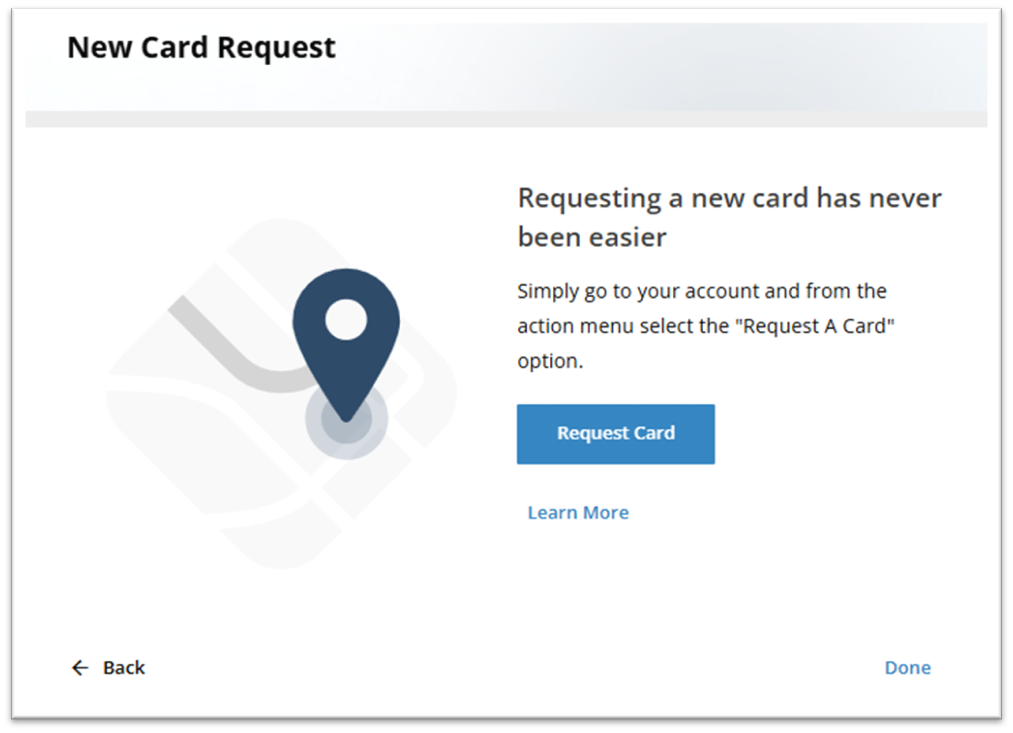
You could request a new card and then you simply click done and that’s it.
2:17
It’s as simple as that.
The initial registration must be completed by the Primary Business Account Owner. If there are multiple business owners, one owner must be designated as primary for the initial registration.
On the login page, select Or, Register with Online Banking
Select Get Started

Enter the business Tax ID, your Social Security Number, and the Account Number of the business, then select Next.
Choose a Verification Method (text message or email), select your phone number or email address, and click Next.
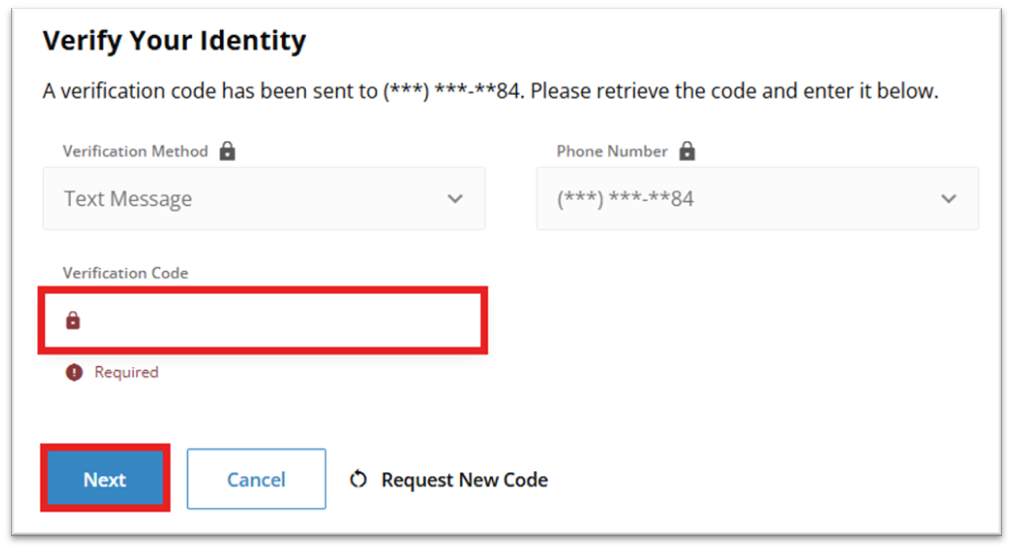
Enter the Verification Code you received and click Next.
Create a Username and Password, then select Register.
To proceed, you must read the Online Banking Terms and Conditions and click Accept & Continue.

You will have the option of connecting external accounts by selecting Add an Account, or skip this step by clicking Next.
You may choose to Enable Quick Balance which would allow you to view your account balances from your device home screen, or click Next to continue.
If you would like to add additional multifactor authentication methods, choose Get Set Up. If you would like to skip this step, click Next.

Select Request Card to order a business debit card, or select Done to complete the registration process.