As an owner, you have the ability to customize which accounts another user may access and what types of actions they may perform. Such actions include viewing statements and tax documents, setting up transfers, managing other users, and more.
Now we’re going to talk about managing users and Blue Business Banking.
0:11
When you first login, you’ll be on the View My Accounts.
0:14
Go ahead.
0:14
On the top navigation bar, click Manage Users.
0:19
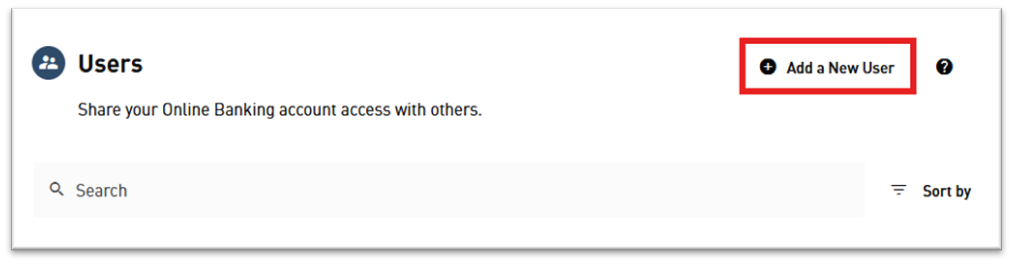
You want to create a new user, click Add a new user.
0:24
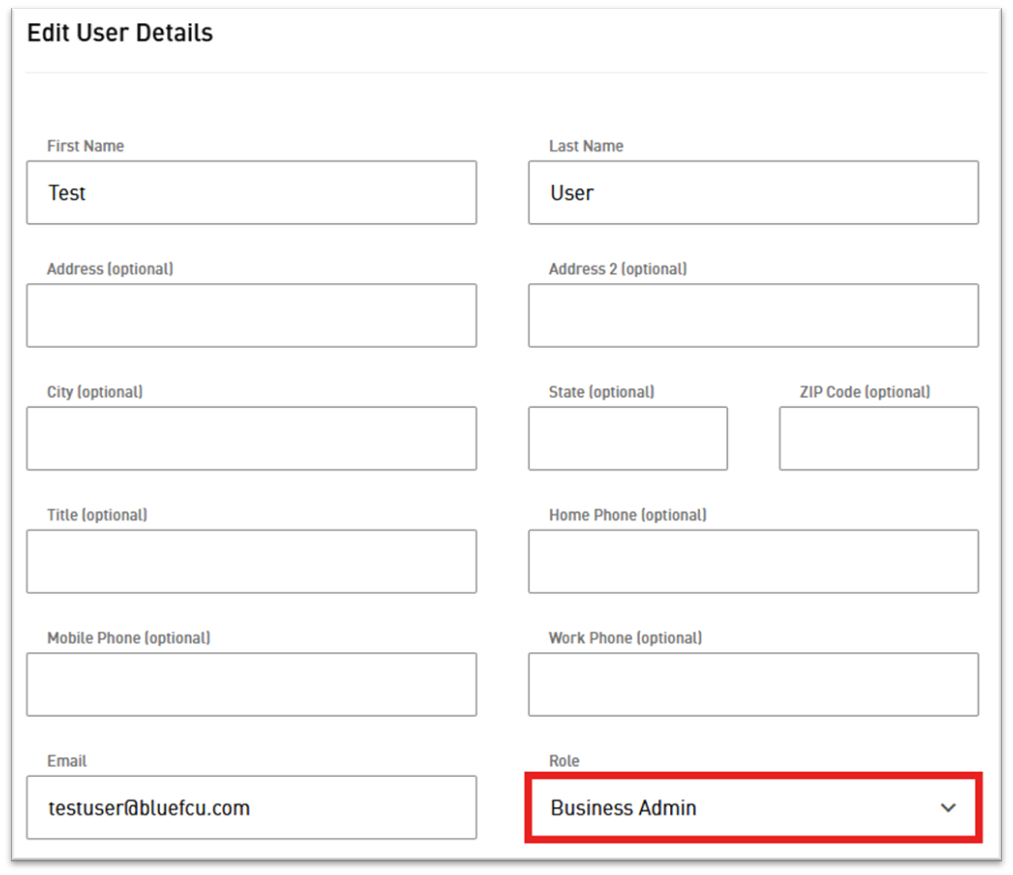
Fill out the user’s details.
0:28
Not all fields are required, but we encourage you to fill out as many fields as possible.
0:40
Create a username for this user, send a confirmation either by e-mail or text, and then click Continue.
0:57
Select this particular user’s role, then click Continue.
1:05
You could add some restrictions if needed.
1:12
Then click Continue and once you’re ready, click Confirm.
1:19
They’ll get an e-mail to set up their password and then click Done and that user will be listed.
1:28
Now, if you have to create additional roles, on the left navigation, click Roles and then click Add a New role.
1:37
Name your new role.
1:46
Apply your permissions for this role.
1:49
In our example, we’re just going to apply all permissions.
1:57
Set your transfer limits if you’re using transfers.
2:15
If you have ACH enabled, make sure you set the limits for your ACH’s as well.
2:30
Same with wires.
2:31
If this user is going to be using wires, make sure you set your limits for your wires.
2:43
Once you have everything selected and limit set, click Create Role and then your role is created and it’s as simple as that.
Start by selecting Manage Users.

Select Roles.
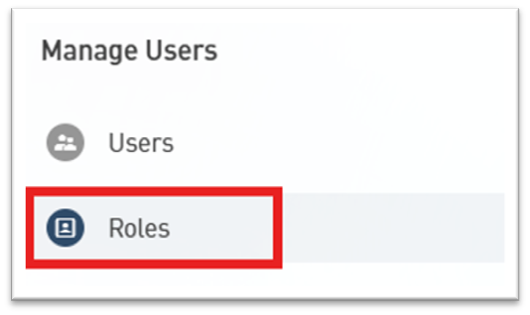
Select Add a New Role.

Enter a name for the role, such as “Accountant” or “Transactor” and select each account and action you would like this role to be able to access/perform.
Make sure to scroll all the way through the list and carefully review the selected accounts and actions before clicking Create Role.
After all of the desired roles have been created, select Users.

If you need to add additional users, select Add a New User.
Select a User from the list and click Edit User Details.

Use the Role dropdown menu to select a role for this user.