
*The Payroll Direct Deposit feature is available to Advantage and Executive members.
Select Manage ACH.
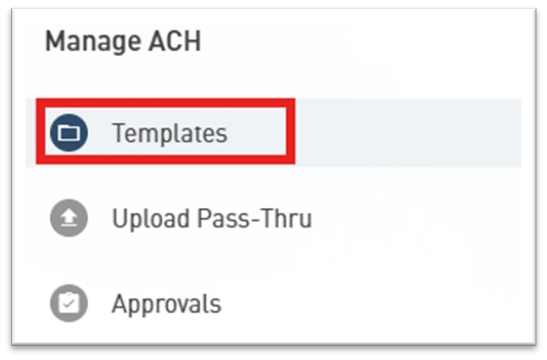
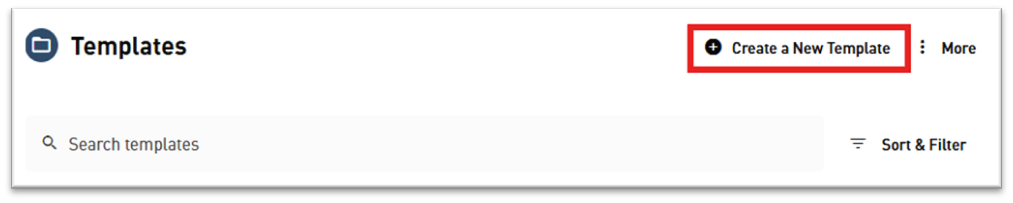
Select Templates, then Create New Template to create a Payroll Template
Enter the Template name, choose the Company name and Transaction type from the dropdown menus, and determine the Offset account from which payroll will deduct.

Select Recipients and Add a New Recipient to add your employees.


Return to Templates, select your Payroll Template, and choose Add or Import Recipients to add employees to your payroll.
Use the Schedule button to schedule the automatic transfer.
